Overview
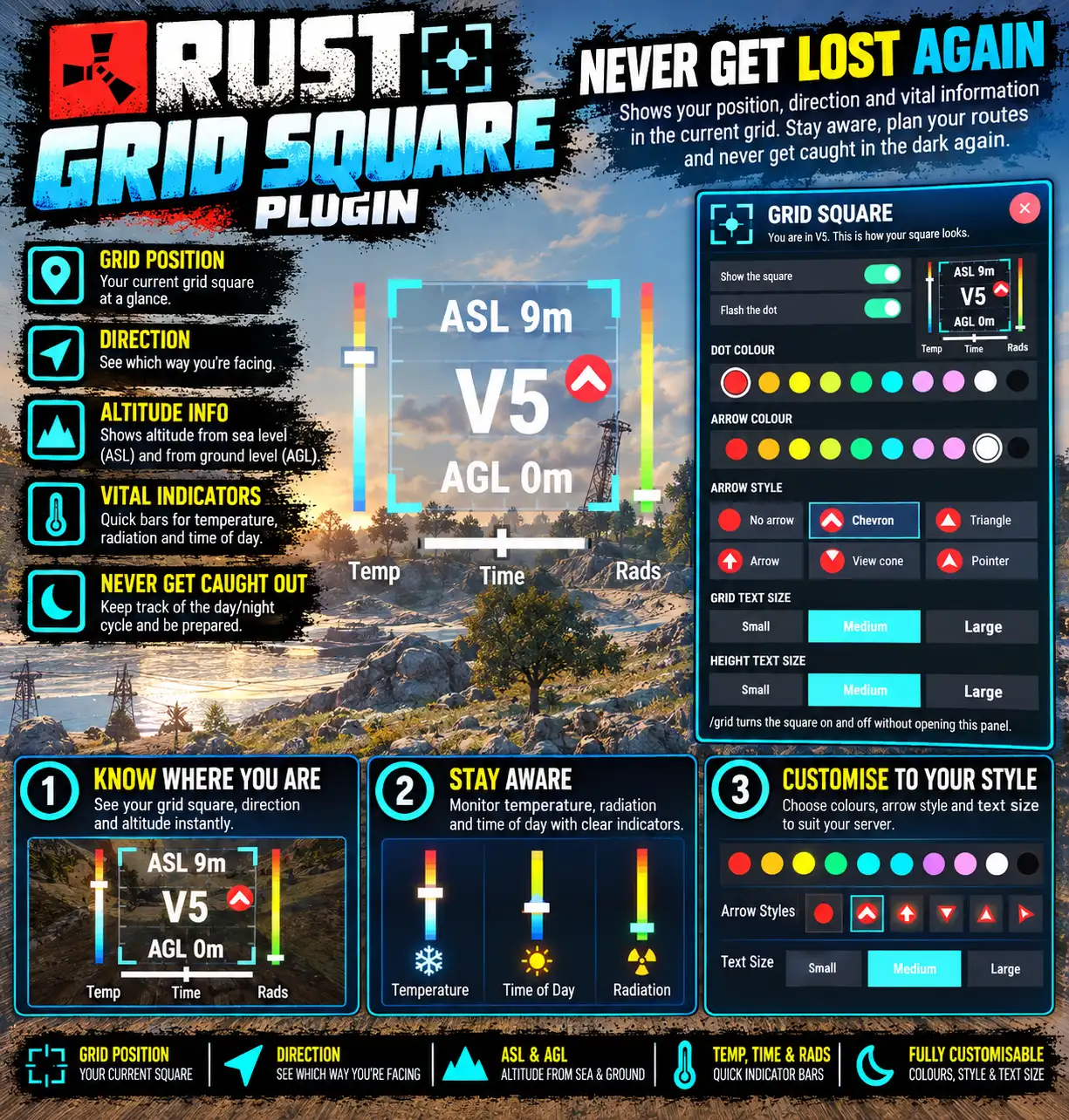
A small semi-transparent square on screen labelled with the grid reference you are standing in, with a flashing dot marking where you are inside it and an arrow for the way you face. The grid is the game's own, so it matches the map.
Altitude (above sea level) and height above ground are shown along its edges, gauges show the temperature you feel and the background radiation, and a bar underneath shows day and night with the time until the next sunrise or sunset.
So now you're never lost or caught out by night time arriving unexpectedly.
Every download is licensed to you and watermarked with your details.
Features
- Grid reference with position dot and facing arrow
- Altitude and height above ground
- Temperature and radiation gauges
- Day/night bar
- Seven bundled languages
Install
- Download GridSquare.cs from My Plugins.
- Drop it into
oxide/pluginsorcarbon/plugins. - Grant the permission:
o.grant group default gridsquare.useThe file name must stay GridSquare.cs — Oxide matches it to the class name.
Commands & Permissions
Commands
/grid— turn the square on or off/gridsquare— colours, size and style- Console:
gridsquare.toggleand friends, all bindable
Permissions
gridsquare.use— see the square
Changelog
| Version | Released | Changes |
|---|---|---|
| v0.13.2 latest | Support now goes to the Support section at DeadInTen.uk. No change in behaviour. |
|
| v0.13.1 |
|