Overview
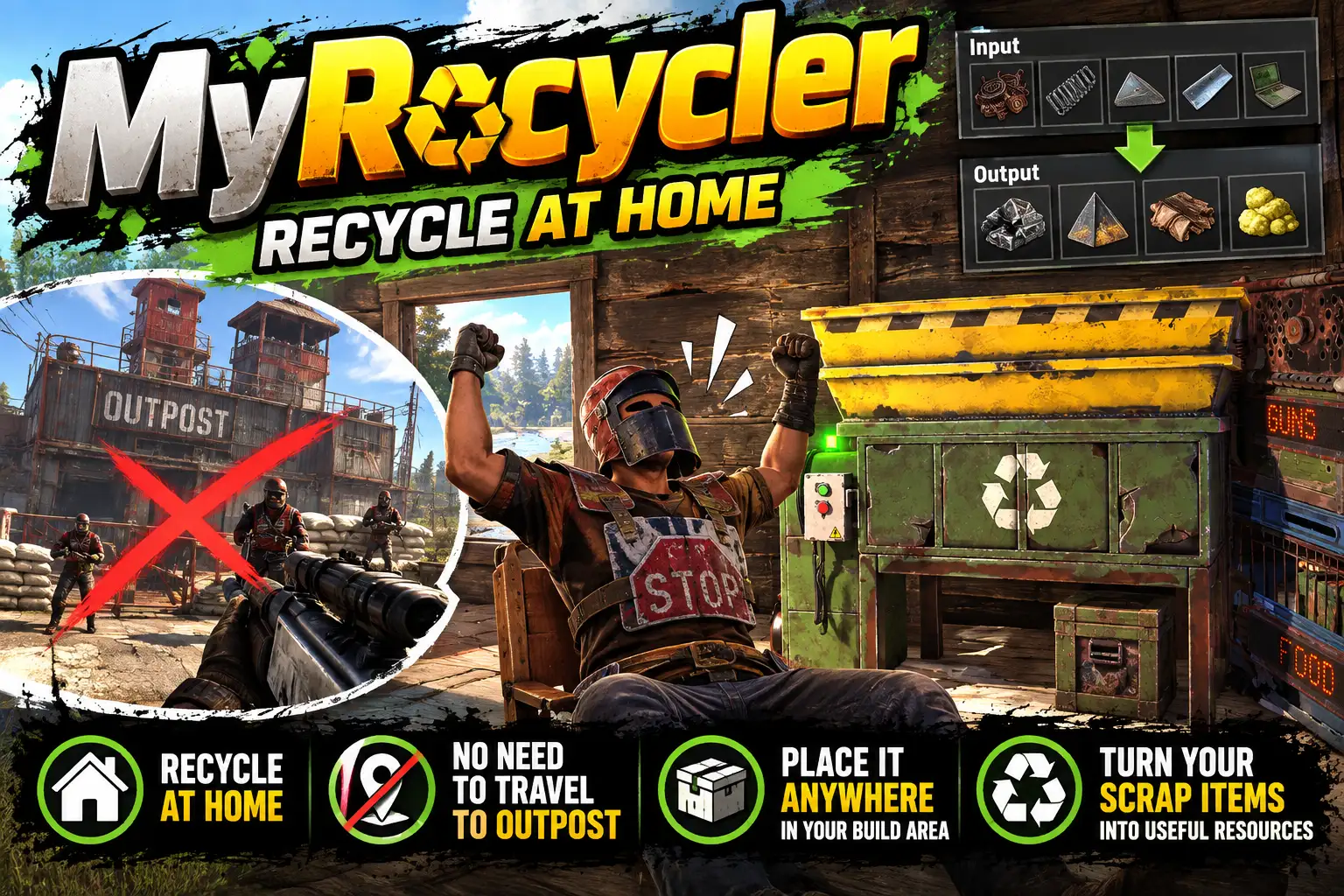
MyRecycler gives player s a recycler of their own to put in their base. They buy it with /recycler buy, place it like any other deployable, and it becomes the game's own recycler: the same machine, the same loot screen, the same sounds and the same switch.
You decide what it is worth. The return rate, the time a cycle takes, what a recycler costs and how many a player may have are all settings, and every one of them can be changed in game from a setup panel, with no reload.
The recyclers at monuments are left exactly as they are.
Why have a recycler at home
- No more runs to a monument. Recycling normally means carrying a full inventory of components across the map and standing with your back to the door while the machine works. At home the components go from the box to the recycler and the scrap goes back in the box.
- Loot is not lost at the recycler. A monument recycler is where players are camped and killed with everything on them. A recycler in the base takes that risk away, which matters most to solo players, small groups and anyone new to the server.
- Recycle as you go. Components are dealt with as they come in instead of piling up in boxes until someone can face the trip, so storage stays tidy and scrap arrives steadily.
- Something to work towards. A recycler costs scrap, metal fragments and gears by default, so it is a goal for a new base and a use for spare scrap, not a free handout.
- The balance is yours. Set the home recycler below the monument rate and monuments stay worth the trip while home is the safe, slower choice. Set it the same for plain convenience. Set it higher for a relaxed or boosted server.
- A perk worth having. Extra tiers sit behind their own permissions, so supporters or VIPs can be given a recycler that returns more and works faster.
How it works for a player
- Type
/recyclerto see what your recycler would give back, what one costs and how many you have placed. - Type
/recycler buy. The cost is taken from your inventory and you are given a Recycler item. - Place it in your base, under a tool cupboard you are authorised on. It turns into a working recycler where you put it.
- Use it as you would any recycler: put items in, switch it on, take the results out.
- To move it, switch it off, empty it and hit it with a hammer, or look at it and type
/recycler pickup. It comes back as an item to place again.
If a recycler cannot be placed where the player tried (no cupboard, already at the limit, on a vehicle or a boat) the item is handed straight back with the reason.
Return rate and speed
- Return rate is the percentage of an item's crafting cost that comes back. The game's own recyclers give 50, or 40 in a safe zone. Any figure from 1 to 1000 can be set, so more than 100 gives back more than the item cost to make. Scrap follows the same rate. An item with a condition bar never returns more than 100.
- Seconds a cycle is how long each step takes, from 0.25 to 60. Each cycle takes one item, or a tenth of a full stack, from every input slot. The game takes 5 seconds.
Tiers
A tier is a name with its own return rate and cycle time, held with the permission myrecycler.<name>. The config starts with one, vip, at 75% and 3 seconds. Add as many as you like: myrecycler.bronze, myrecycler.gold, and so on.
A recycler works at the best tier its owner holds, whoever is using it. A team mate without the permission still gets the owner's rate from the owner's recycler.
The figures on the recycler's screen
The yield and speed the game prints on a recycler's screen are worked out by each player's own game, and they always read 50% and 5 s. No plugin can change them. So MyRecycler adds a small bar to the screen that reads ACTUAL YIELD 75% SPEED 3 s, with the figures that recycler really works at. The bar can be moved, or switched off, in the setup panel.
Fair on a live server
- Private by default. Only the owner, their team and players authorised on the cupboard can open it. Anyone else is told it belongs to someone else.
- Under your own cupboard only, so nobody can drop one beside someone else's base.
- A limit per player, one by default.
myrecycler.unlimitedlifts it. - Not on vehicles or boats.
- It goes with its floor. A home recycler cannot be damaged, but when the floor under it is destroyed it is destroyed too and drops what it holds, so raiders still get the contents.
- The Recycler item cannot be recycled or researched, so it cannot be turned into anything else.
Each of the first three is a setting you can switch off or change.
Every setting, in game
/recycler setup opens a panel for players with myrecycler.admin. Type a value and press Enter, or click a switch, then press SAVE. The config file is written and the new settings are in use at once, with no reload. DISCARD puts everything back. A recycler that is already running keeps its rate until it is next switched on.
- Return rate: the percentage of the crafting cost that comes back, 1 to 1000. Default 50.
- Seconds a cycle: how long each cycle takes, 0.25 to 60. Default 5.
- Tiers: named rates and times, each behind
myrecycler.<name>. Add and remove them in the panel. Default: vip at 75% and 3 s. - What one recycler costs: any items and amounts; add and remove rows. Default 500 scrap, 2000 metal fragments and 10 gears.
- Most recyclers a player may place: the limit per player. Default 1.
- Only under the player's own cupboard: placing needs a cupboard the player is authorised on. Default on.
- Only owner, team and cupboard can open it: switch it off to let anyone use a home recycler. Default on.
- A hammer hit picks an empty one up: switch it off to leave
/recycler pickupas the only way. Default on. - Show the actual yield and speed on its screen: the bar described above. Default on.
- That bar's position: pixels right of the screen's centre and pixels above its bottom edge. Default 192 and 400.
- Item placed to make a recycler: the deployable the Recycler item is a skinned copy of. Default the repair bench.
- Skin id of the item: sets the item's picture; any workshop skin for that item.
- Name the item shows: its name in the inventory. Default Recycler.
Changing the item or its skin means Recycler items players already hold will no longer place a recycler; the panel warns you before you save. Recyclers already placed are not affected.
The config file can still be edited by hand if you prefer.
Restarts and wipes
A placed recycler is saved by the game with the rest of the base, so it is still there, with its owner, after a restart. MyRecycler keeps no data file of its own, so there is nothing to clear on wipe day.
For admins
myrecycler.give <player> [amount]hands out Recycler items from the server console, for kits, shops and rewards.myrecycler.statuslists the rates, the item and every placed recycler with its owner, its position and whether it is running.myrecycler.admincan open and pick up anyone's recycler.myrecycler.freelets a player buy one at no cost.
Languages
English, Russian, German, French, Spanish, Brazilian Portuguese and Simplified Chinese are built in, with no lang files to install. Each player sees the language their own client is set to.
Every download is licensed to you and watermarked with your details.
Features
- A recycler of their own for every player, placed in their base
- It is the game's own recycler: same screen, same sounds, same switch
- Return rate set by you, from 1% to 1000% (the game gives 50%)
- Cycle time set by you, from 0.25 to 60 seconds (the game takes 5)
- Tiers behind permissions, for VIPs and supporters
- A recycler works at its owner's best tier, whoever is using it
- Costs scrap, metal fragments and gears by default; any items you choose
- A bar on the recycler's screen shows its actual yield and speed
- Private: owner, team and cupboard-authorised players only
- Only under your own cupboard, with a limit per player
- Pick it up with a hammer and place it again
- Every setting changed in game from a setup panel, with no reload
- Monument recyclers left exactly as they are
- No data file: nothing to clear on wipe day
- Seven languages built in
Install
- Download MyRecycler.cs from My Plugins.
- Drop it into
oxide/pluginsorcarbon/plugins. - Grant the permissions:
o.grant group default myrecycler.use
o.grant group admin myrecycler.admin
o.grant group vip myrecycler.vip
On Carbon use c.grant instead of o.grant. The last line is only wanted if you have a VIP group.
The file name must stay MyRecycler.cs, because Oxide matches it to the class name.
Nothing else is needed: no other plugin and no data file.
The config is written to oxide/config/MyRecycler.json (or carbon/configs/MyRecycler.json) on first load. Change it in game with /recycler setup, or edit the file and reload the plugin (o.reload MyRecycler or c.reload MyRecycler).
The Recycler item shows the repair bench's picture until you point Skin id of the item at a workshop skin for the repair bench.
Config
{
  "Return rate (percent of an item's crafting cost; the game gives 50, or 40 in a safe zone)": 50.0,
  "Seconds a cycle (each cycle takes one item, or a tenth of a stack, from every input slot; the game takes 5)": 5.0,
  "Tiers (name: rate and seconds; held with the permission myrecycler.<name>, the owner's best rate is used)": {
    "vip": {
      "Return rate (percent)": 75.0,
      "Seconds a cycle": 3.0
    }
  },
  "Item that is placed to make a recycler (a skinned copy of it)": "box.repair.bench",
  "Skin id of the item (sets its picture; any workshop skin for that item)": 3585192007,
  "Name the item shows in the inventory": "Recycler",
  "What one recycler costs (item short name: amount)": {
    "scrap": 500,
    "metal.fragments": 2000,
    "gears": 10
  },
  "Most recyclers one player may have placed (myrecycler.unlimited ignores it)": 1,
  "Only under a cupboard the player is authorised on": true,
  "Only the owner, their team and players authorised on the cupboard can open it": true,
  "A hammer hit from the owner picks an empty recycler up": true,
  "Show a recycler's actual yield and speed in a bar on its screen (the game's own figures cannot be changed)": true,
  "That bar: its left edge, in pixels right of the screen's centre": 192,
  "That bar: its bottom edge, in pixels above the bottom of the screen": 400
}
Commands & Permissions
Commands
Chat
/recycler— what your recycler gives back, what one costs and how many you have placed/recycler buy— pay the cost and get a Recycler item to place/recycler pickup— take back the recycler you are looking at (it must be switched off and empty)/recycler setup— open the settings panel (myrecycler.admin)
Console (can be bound to a key)
myrecycler.buymyrecycler.pickupmyrecycler.setup
Server console, or a player with myrecycler.admin
myrecycler.give <player name or id> [amount]— give Recycler items, up to 100 at a timemyrecycler.status— the rates, the item, and every placed recycler with its owner and position
Permissions
myrecycler.use— buy, place and pick up a recyclermyrecycler.free— a recycler costs nothingmyrecycler.unlimited— no limit on how many you may placemyrecycler.admin— open and pick up anyone's recycler, give items, and use the setup panelmyrecycler.vip— the vip tier (75% back, 3 seconds a cycle by default)myrecycler.<tier>— one for each further tier you add
Changelog
| Version | Released | Changes |
|---|---|---|
| v0.3.1 latest |
|