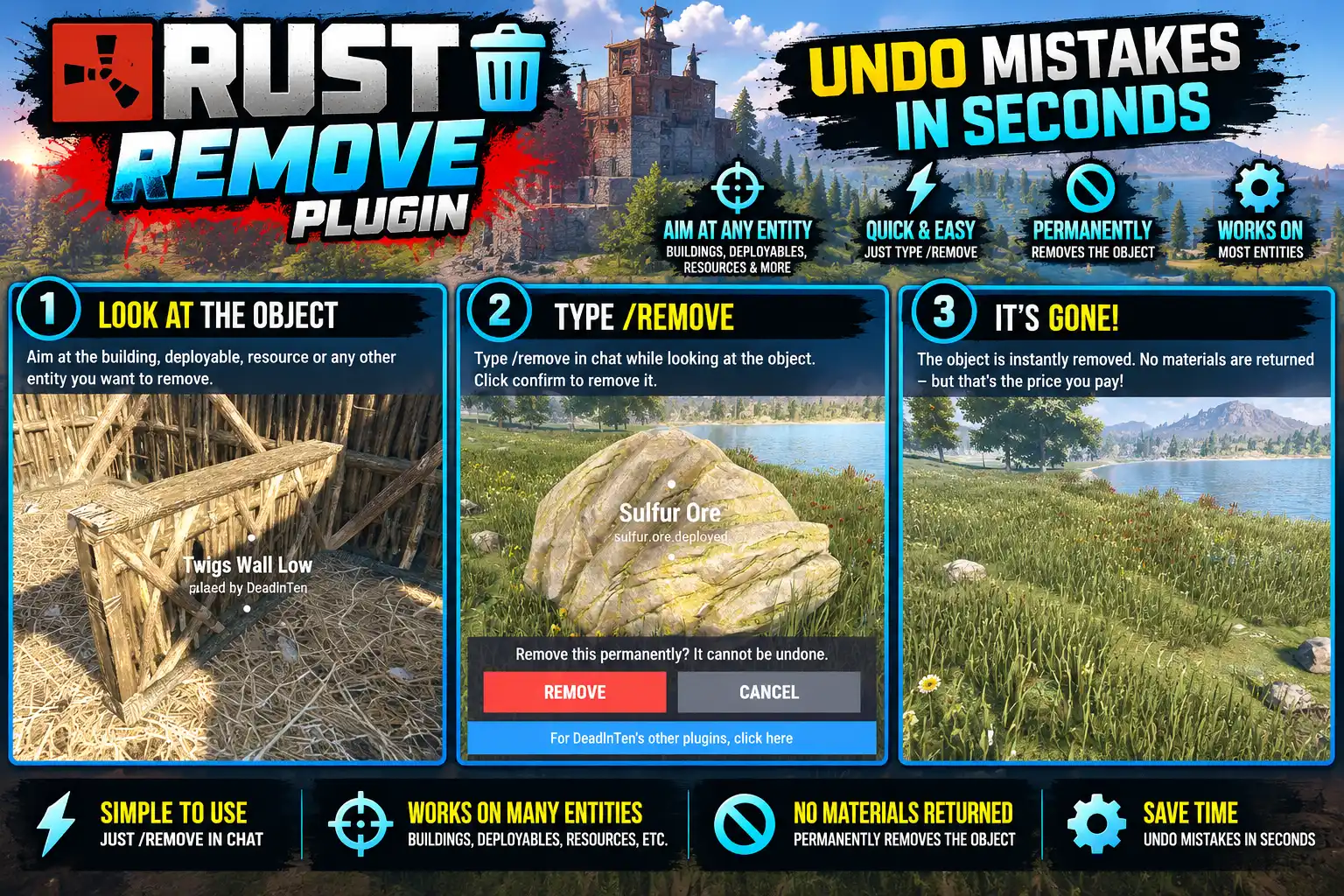
Overview
Look at something and type /remove. Whatever is under the middle of your screen is named, and a strip above the toolbelt asks you to confirm. NEXT steps through anything else on the same line of sight, so a box in front of a wall can't be removed by mistake.
There's currently no cost to using Remove so its more of an admin tool. You can only delete your own entities unless you have the .all priviledge - then you can delete any world items.
Anything inside goes into your inventory, and every removal is logged to the server console.
Every download is licensed to you and watermarked with your details.
Features
- Names what you are about to remove
- Confirm or step to the next thing behind it
- Contents go to your inventory
- Every removal logged
Install
- Download Remove.cs from My Plugins.
- Drop it into
oxide/pluginsorcarbon/plugins. - Grant the permission:
o.grant group default remove.useThe file name must stay Remove.cs — Oxide matches it to the class name.
Commands & Permissions
Commands
/remove— remove what you are looking at- Console:
remove.open,remove.next,remove.confirm,remove.cancel, all bindable
Permissions
remove.use— what you own or are authorised onremove.all— anything
Changelog
| Version | Released | Changes |
|---|---|---|
| v0.1.2 latest | Support now goes to the Support section at DeadInTen.uk. No change in behaviour. |
|
| v0.1.1 |
|