Overview
TradingPost is built and tested on live Carbon and Oxide servers.
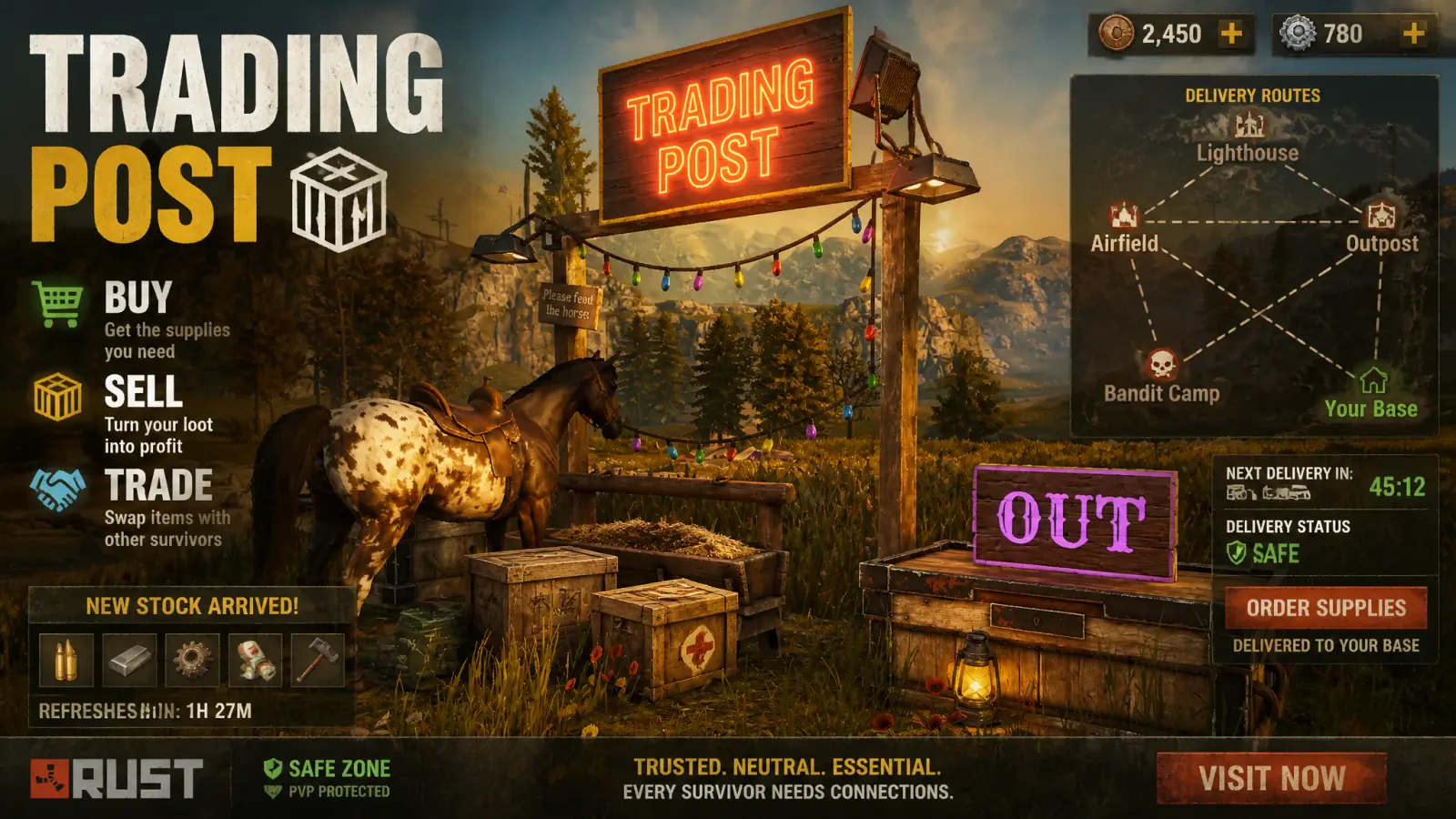
Type /trade where you want a post: it puts down a hitching post with an IN box and an OUT box. Name it and choose its next post. Whatever goes in a post's OUT box is carried by pack horse to the IN box of the post after it. Round a loop the horse goes round and round; at the end of an open chain it walks back to the start.
Everyone who opens a post's box gets a trading screen: putting an item in earns credits, taking one out spends them, and every item's credit value is configurable in game. Credits can be turned into green, blue or red keycards and back again so you can have a currency in the game.
Teammates just joined and need supplies? Send them some credits!
Every download is licensed to you and watermarked with your details.
Features
- Pack horses run your supply chain on their own
- Credit-based trading screen on every post
- Credits to keycards and back
- Every setting and item value editable in game
- Custom sign fonts and colours per post
Install
- Download TradingPost.cs from My Plugins.
- Drop it into
oxide/pluginsorcarbon/plugins. - Grant the permission:
o.grant group default tradingpost.useThe file name must stay TradingPost.cs — Oxide matches it to the class name.
Commands & Permissions
Commands
/trade— put down a trading post / open the panel/trade record,/trade record stop— record a horse route- Console:
tradingpost.*, all bindable
Permissions
tradingpost.use— build and use trading poststradingpost.lock— lock IN and OUT boxes from the paneltradingpost.admin— server settings tab (server admins have it anyway)
Changelog
| Version | Released | Changes |
|---|---|---|
| v0.11.2 latest | Support now goes to the Support section at DeadInTen.uk. Pack horses no longer flood the server console with Unity's "linear velocity of a kinematic body" warning each time they set off. |
|
| v0.11.1 |
|