Overview
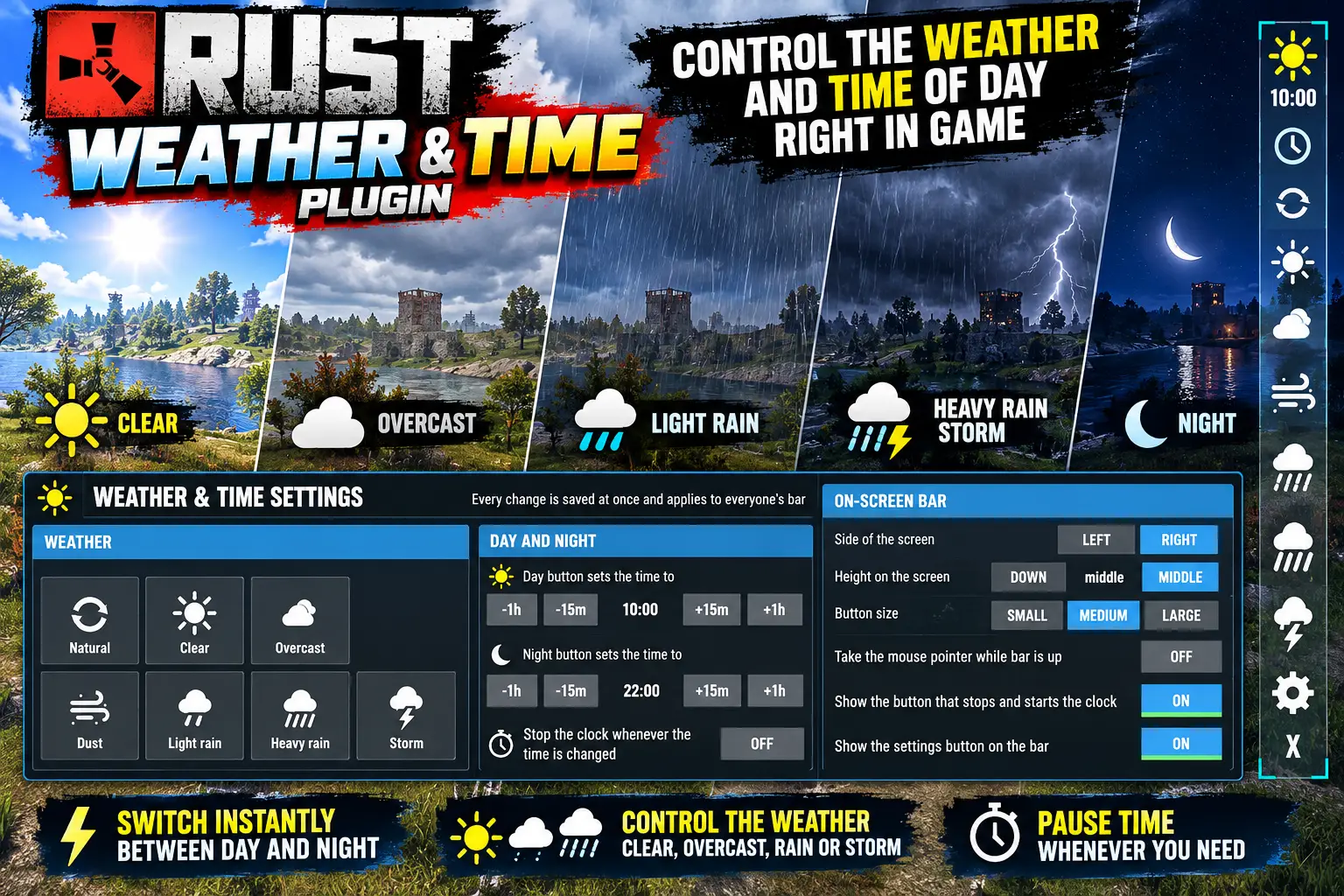
/weather shows a bar with a day/night toggle, a button that stops and starts the clock, and one button per weather preset the game has, plus Natural, which hands the weather back to the game.
Every change affects the whole server, so keep it for admins.
Every download is licensed to you and watermarked with your details.
Features
- Day/night in one click
- Stop and start the clock
- Every weather preset
- Settings panel for everything else
Install
- Download Weather.cs from My Plugins.
- Drop it into
oxide/pluginsorcarbon/plugins. - Grant the permission:
o.grant group default weather.useThe file name must stay Weather.cs — Oxide matches it to the class name.
Commands & Permissions
Commands
/weather— show or hide the bar/weather setup— every setting/weather day|night|clock|natural|<preset>- Console:
weatherbar.*, all bindable
Permissions
weather.use— the barweather.setup— the settings panel
Changelog
| Version | Released | Changes |
|---|---|---|
| v0.2.2 latest | Support now goes to the Support section at DeadInTen.uk. No change in behaviour. |
|
| v0.2.1 |
|